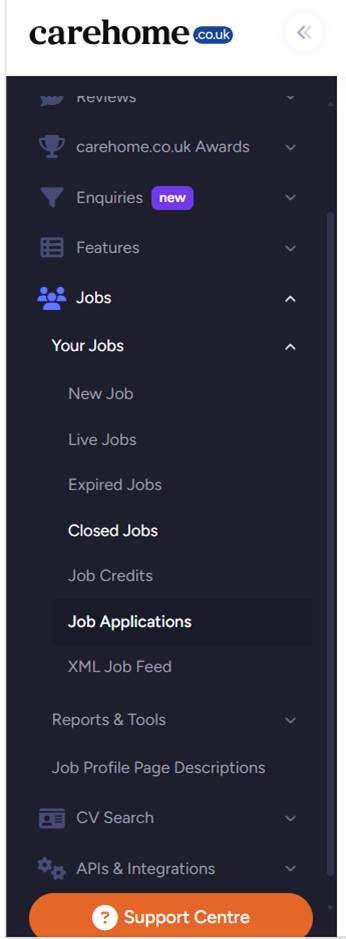
When posting a job, there are a few sections that tend to trip people up, here’s how to correctly fill these out.
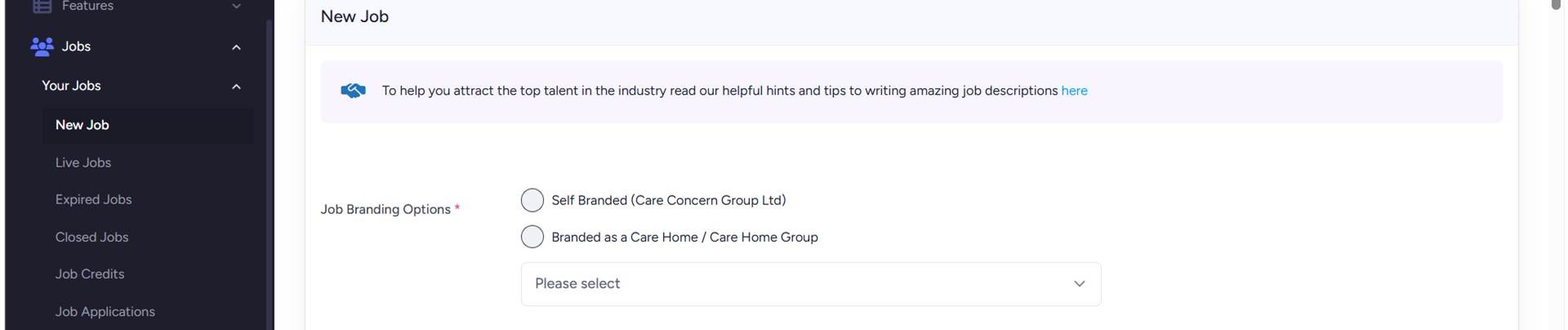
Job Branding Options
If your care home is part of a group, then you’ll have Job Branding Options. You can either choose to brand your job to the Care Home Group or to each individual care home.
Salary Information
You have 3 Options when it comes to how you want your salary information displayed on your job advert: Hourly rate, annual salary or Non-Specific Salary.
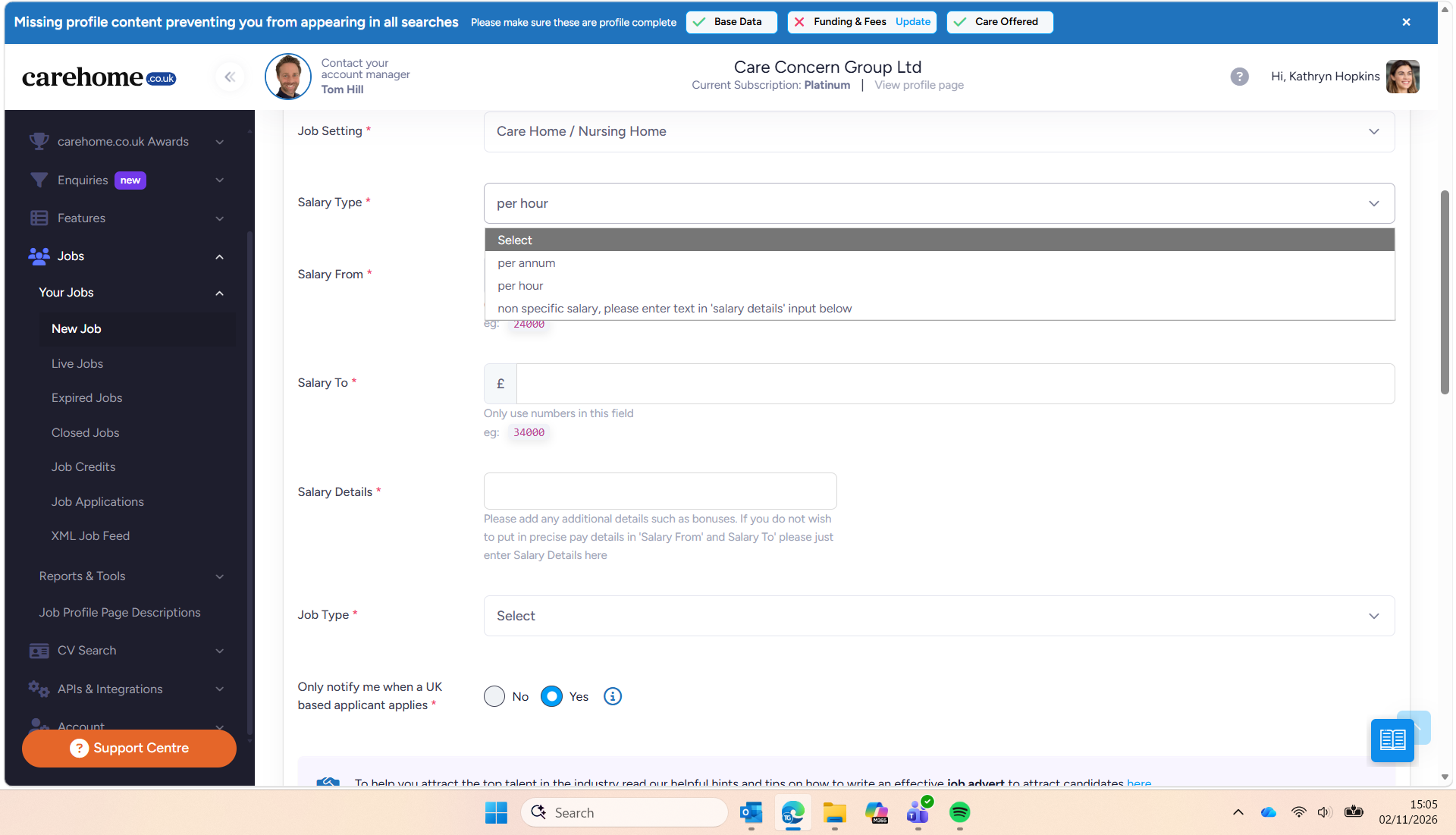
If you select Hourly or Annual, then you need to fill out both the Salary From and the Salary To boxes. If you don’t want to include a range, you can select Non-Specific Salary which will grey out the Salary From and To boxes and you can just free type in the Salary Details box below.
Only notify me when a UK based applicant applies
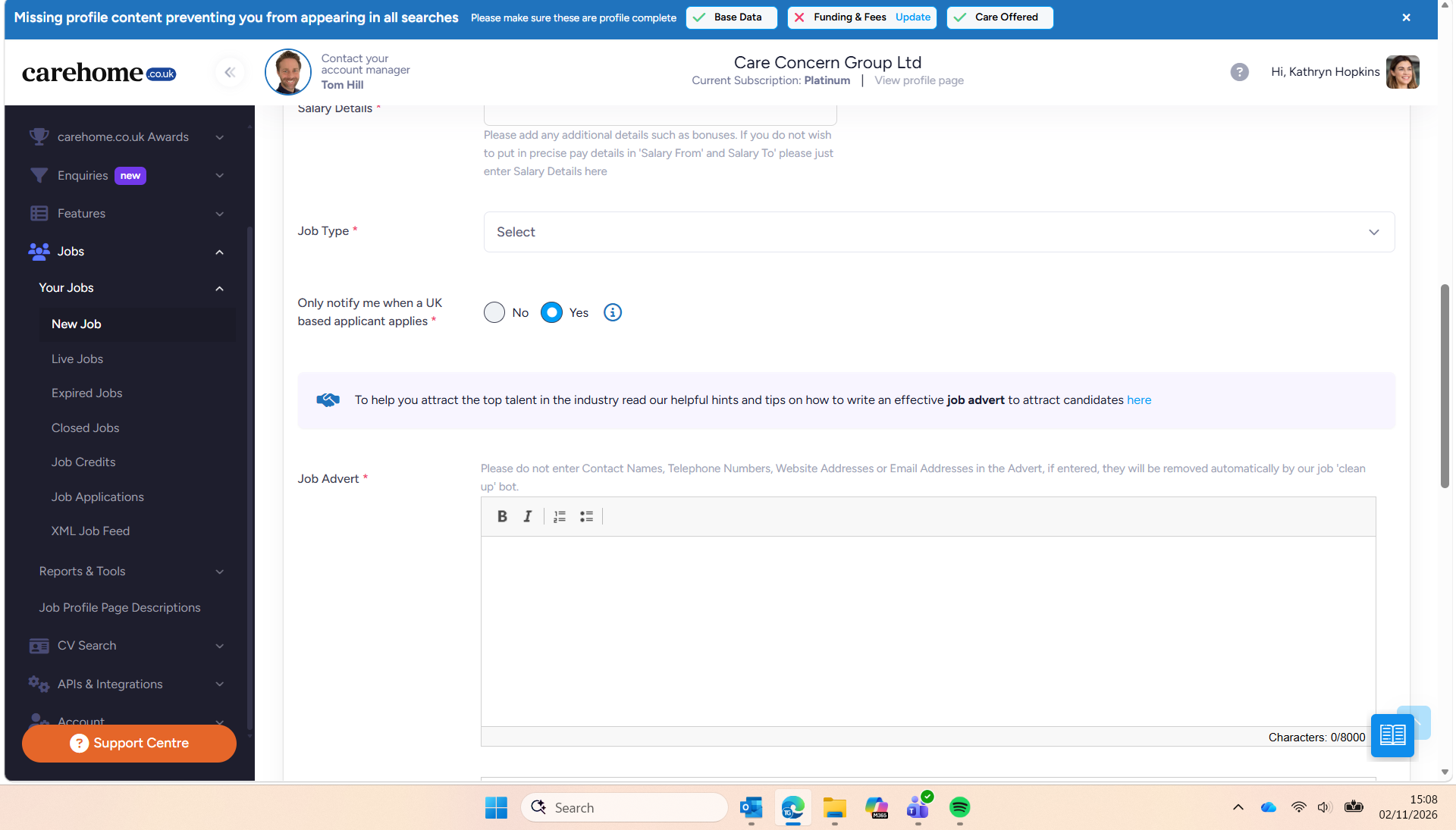
If you have a Visa Sponsorship Licence, you’ll want to change this to No. If you don’t, keep it set to Yes. This will ensure that while candidate’s from overseas will be able to apply, you won’t be notified of their application.
Autorepost
As standard, a job posts for 30 days. If you select Yes to autorepost, it will automatically post again once that 30 days is up. It will keep on posting month after month though until you remember to close it down.
Application Types
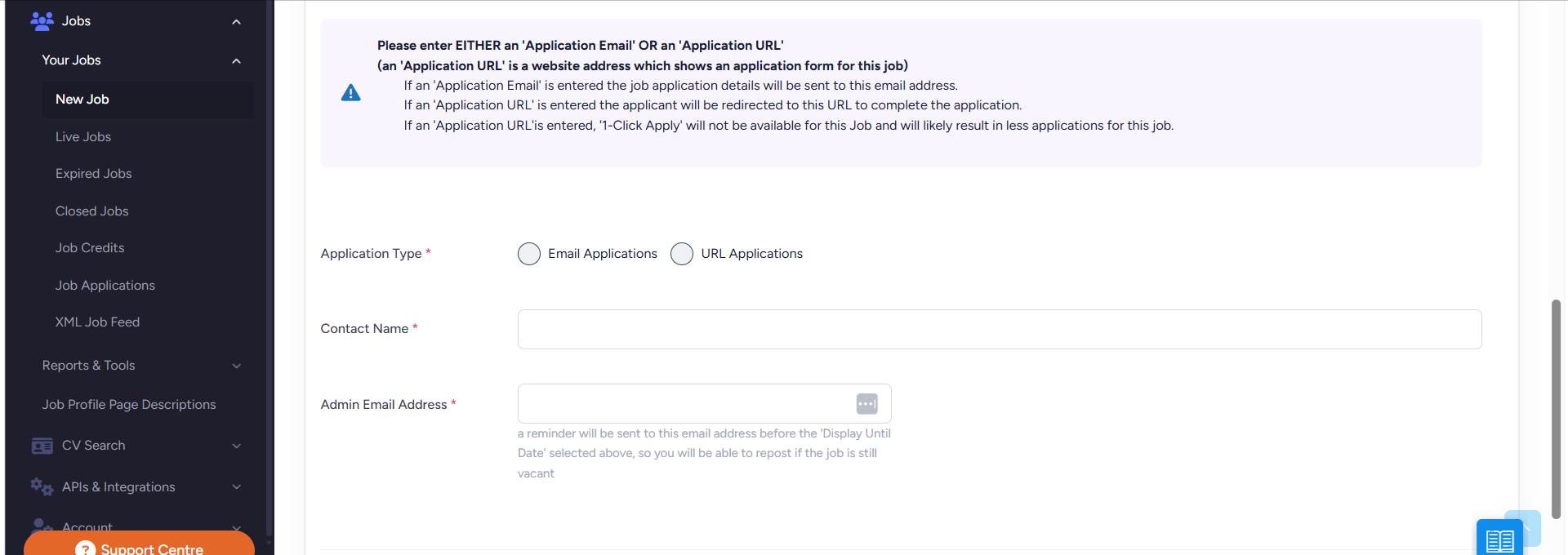
You have two options when it comes to receiving your job applications.
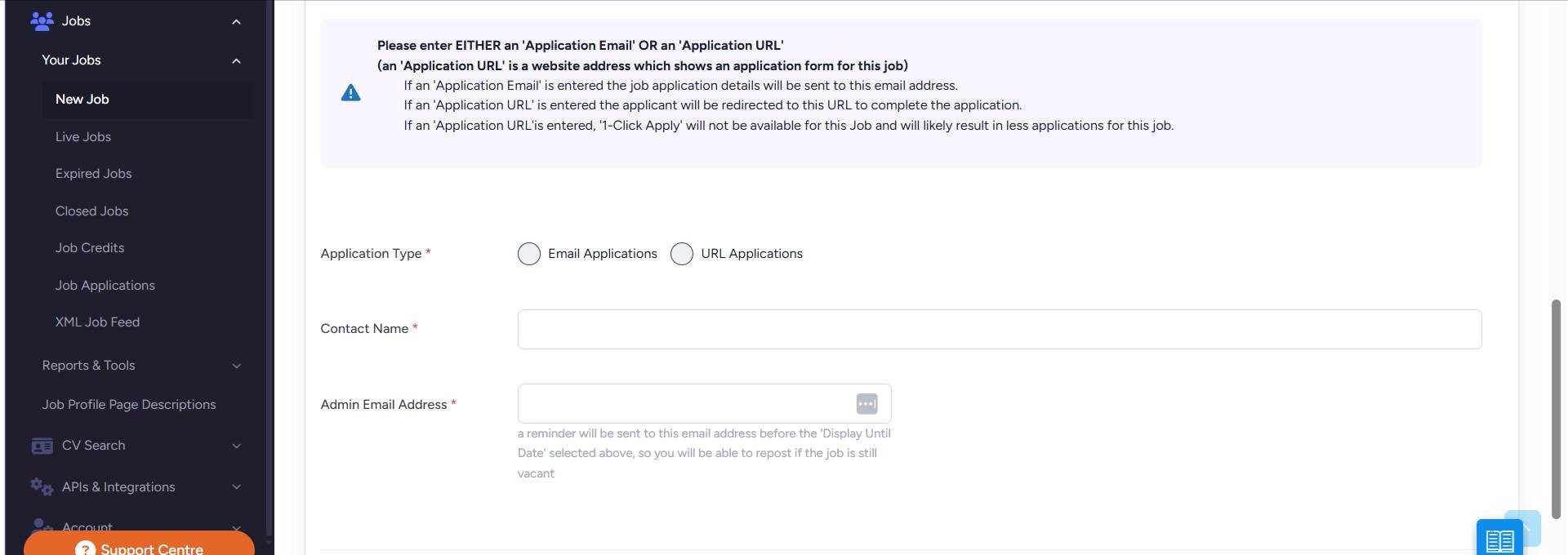
You can receive your applications via email, just add the correct email address.
Alternatively, if you have a Careers Page on your website linked through to your Application Tracking System, you can enter the URL to the specific job and candidates will be redirected to apply on your website.
Please note, if you choose the URL option then we do sometimes experience a drop off of candidates applying on our site and not taking the next step to apply on your website as well. If you choose the URL option, it’s a good idea to check your Applications tab regularly to make sure you’re not missing applications.