Download your published reviews as a PDF, with your Review Score, from a date you choose.
Who can use it: Enhanced and Platinum subscribers.
The PDF lists your published reviews, newest first, with your current Review Score and a QR code that opens your reviews on carehome.co.uk. You can include your replies.
Example
This is the same PDF you can download in the Portal under Reviews > Generate & Display > Review PDF.
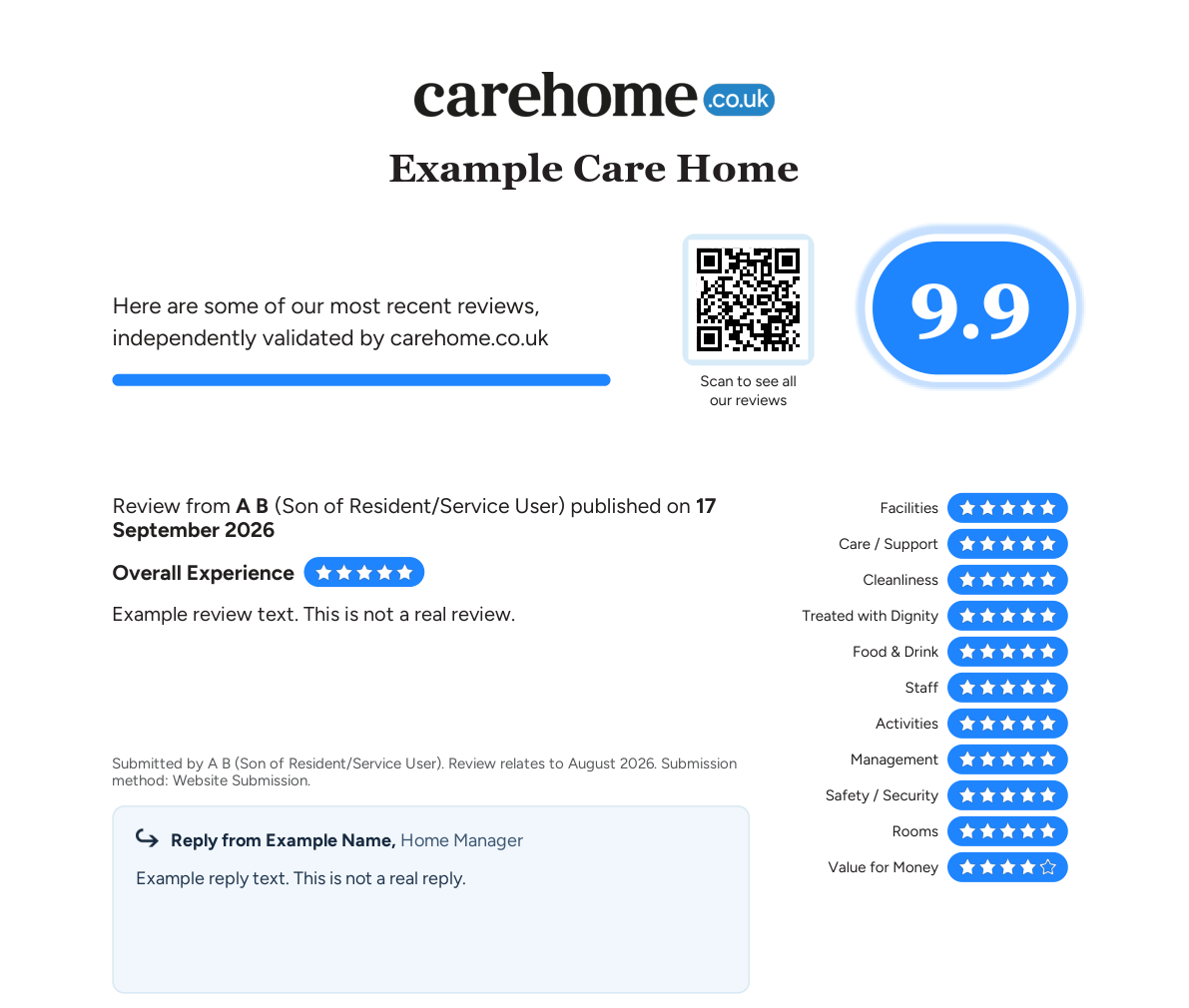
Example only, showing the top of page 1. The setting, review, reply and names are fictional and the QR code links to carehome.co.uk.
Download reviews PDF
GET /index.cfm/reviews/reviewpdfBase URL https://api.carehome.co.uk. Authentication, errors and support are covered in the Reviews API overview.
Query parameters
| Parameter | Type | Required | Description |
|---|---|---|---|
api_key | string | Yes | Your API key. |
datefrom | string | No | Include reviews published on or after this date, as YYYY-MM-DD. The earliest allowed is two years ago, which is also the default. An earlier or unreadable date uses the default. |
includereponse | string | No | true or 1 to include your replies. Leave it out to leave replies out. The parameter name is spelled without an "s". |
Example request
curl -o reviews.pdf "https://api.carehome.co.uk/index.cfm/reviews/reviewpdf?api_key=YOUR_API_KEY&datefrom=2026-01-01&includereponse=true"Response
| Status | Content-Type | Body |
|---|---|---|
| 200 | application/pdf | The reviews PDF. |
| 401, 404, 405, 500 | application/json | An error message; see Reviews API overview. |
- The response has no file name, so choose your own when you save it.
- The PDF can be printed but is protected against editing.
- Check the status code before saving the body. An error response is JSON, not a PDF.