Download your current Review Score certificate as a PDF, ready to print or share.
Who can use it: Enhanced and Platinum subscribers.
The certificate shows your setting's name and current Review Score, with a QR code that opens your review form on carehome.co.uk. It is generated when you request it, so it always shows your latest score.
Example
This is the same PDF you can download in the Portal under Reviews > Generate & Display > Review Score Certificate.
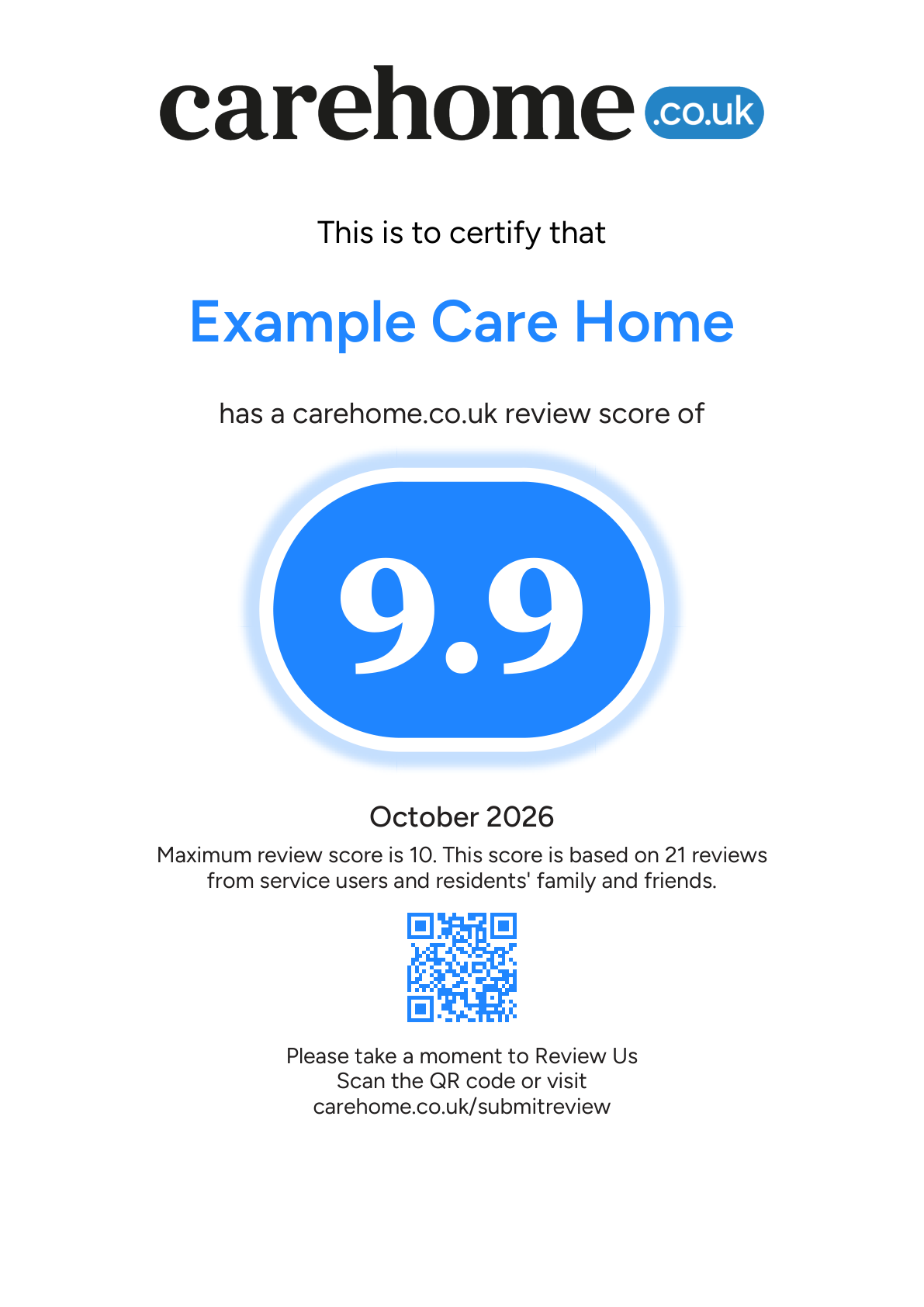
Example only. The setting is fictional and the QR code links to carehome.co.uk.
Download certificate
GET /index.cfm/reviews/certificateBase URL https://api.carehome.co.uk. Authentication, errors and support are covered in the Reviews API overview.
Query parameters
| Parameter | Type | Required | Description |
|---|---|---|---|
api_key | string | Yes | Your API key. |
Example request
curl -o review-score-certificate.pdf "https://api.carehome.co.uk/index.cfm/reviews/certificate?api_key=YOUR_API_KEY"Response
| Status | Content-Type | Body |
|---|---|---|
| 200 | application/pdf | The certificate PDF. |
| 401, 404, 405, 500 | application/json | An error message; see Reviews API overview. |
- The response has no file name, so choose your own when you save it.
- The PDF can be printed but is protected against editing.
- Check the status code before saving the body. An error response is JSON, not a PDF.